

Safety infrastructure for the people in your care.
A registration-led safety layer: your people register once, the responders you nominate get permitted access, and a person who cannot speak can still be connected to family.
Three moving parts.
Nothing exotic.
Register people, agree who may use VerifyU on your behalf, and rehearse what happens in an emergency.
- Step 01
Registration drive
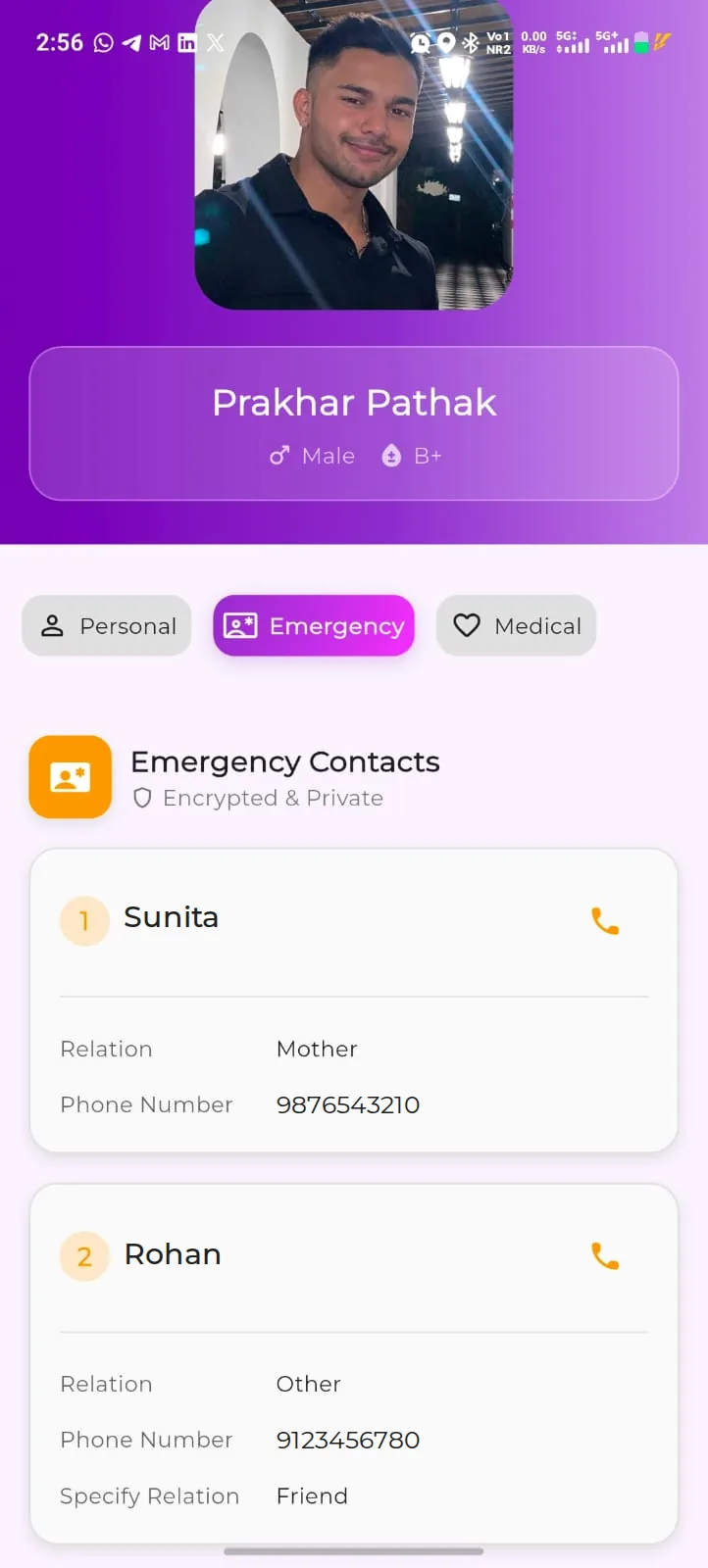
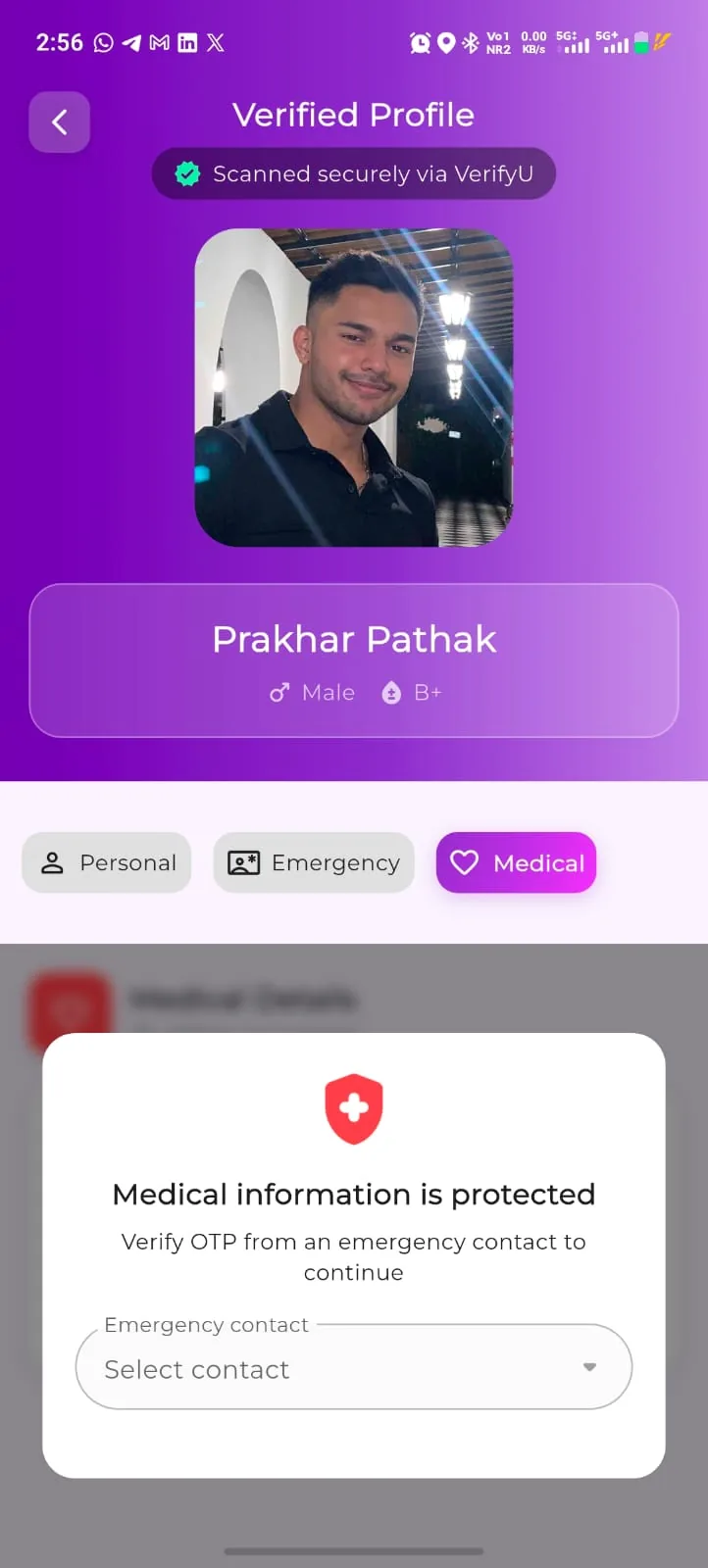
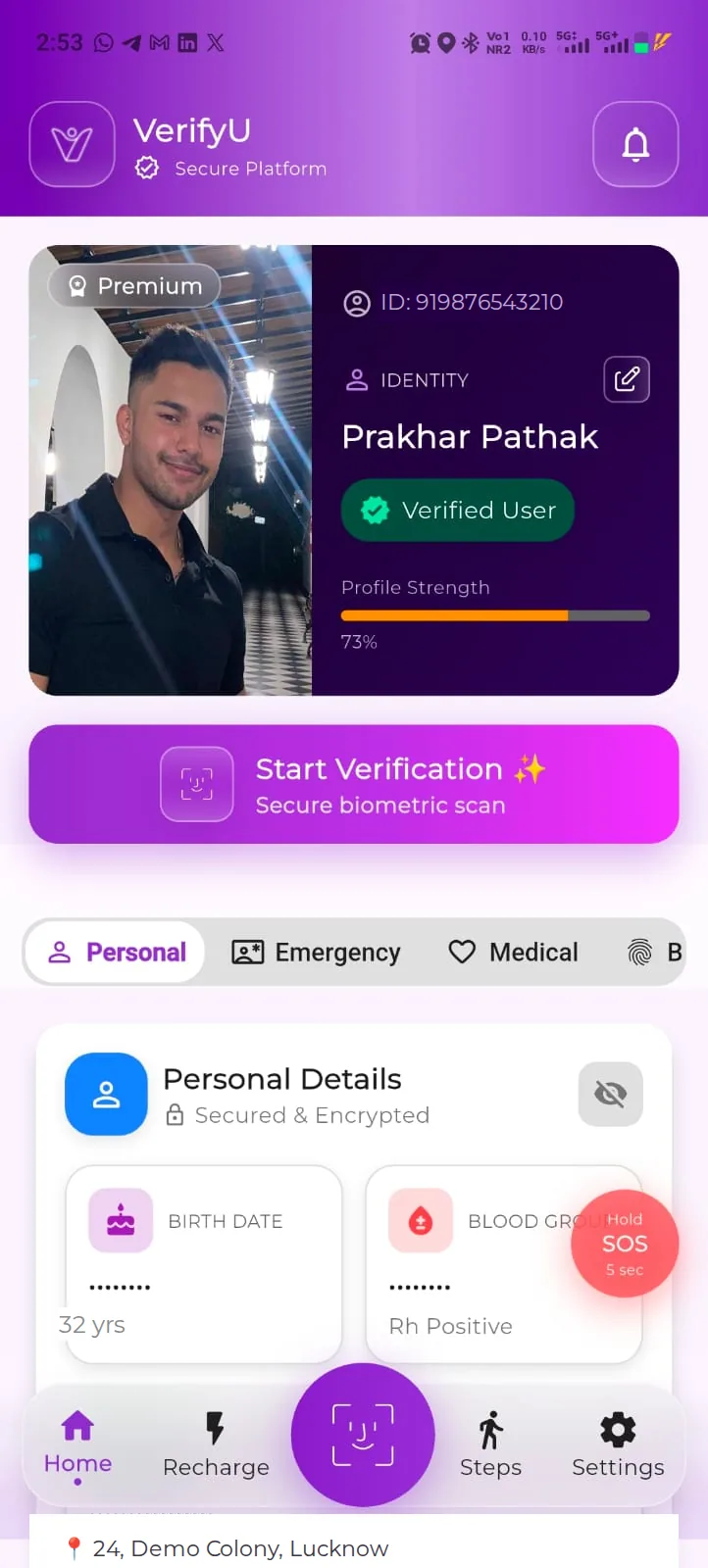
Your people register themselves, free, with your support — their own details, contacts and the medical information they choose.
- Step 02
Permitted access
The responders, staff or volunteers you nominate use VerifyU within the arrangement agreed with your organisation. Owner verification
- Step 03
Emergency workflow
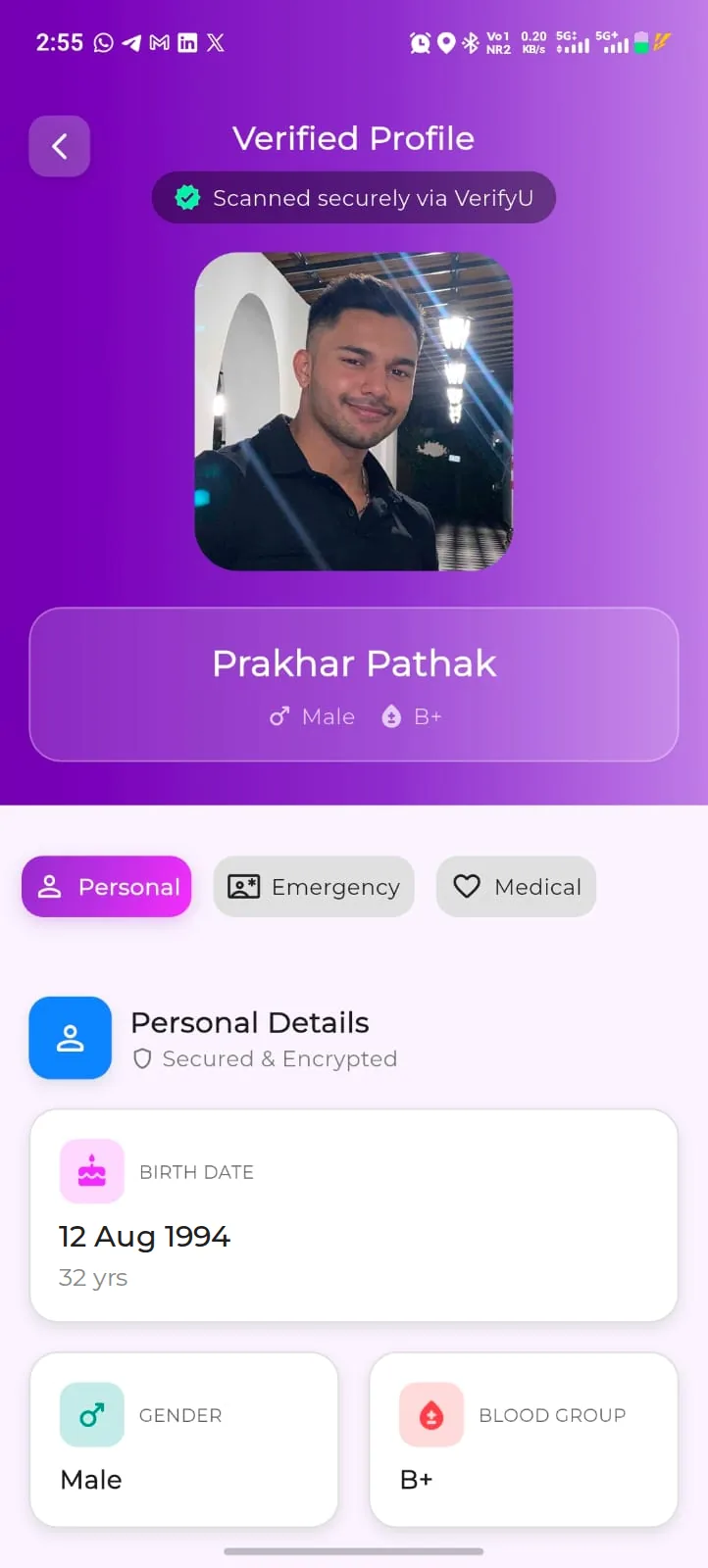
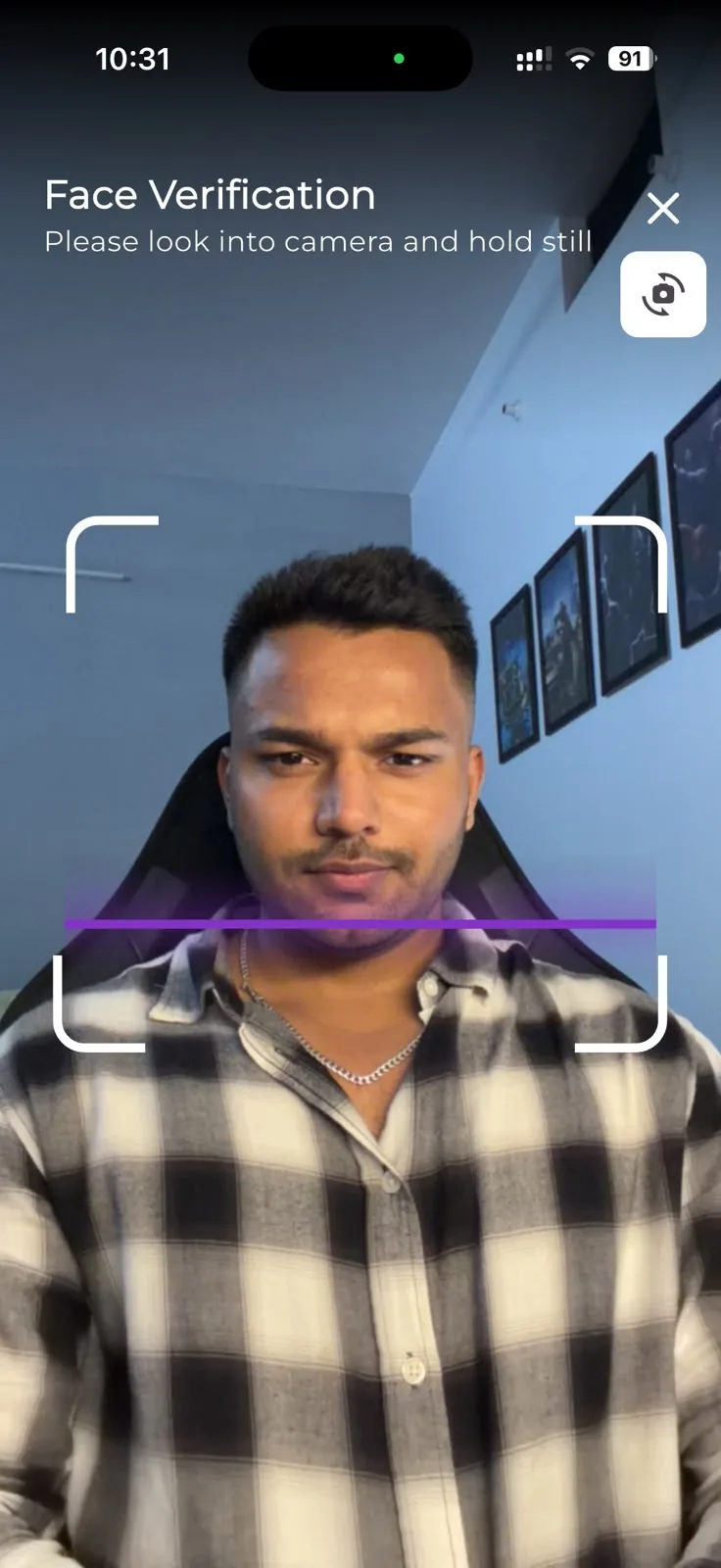
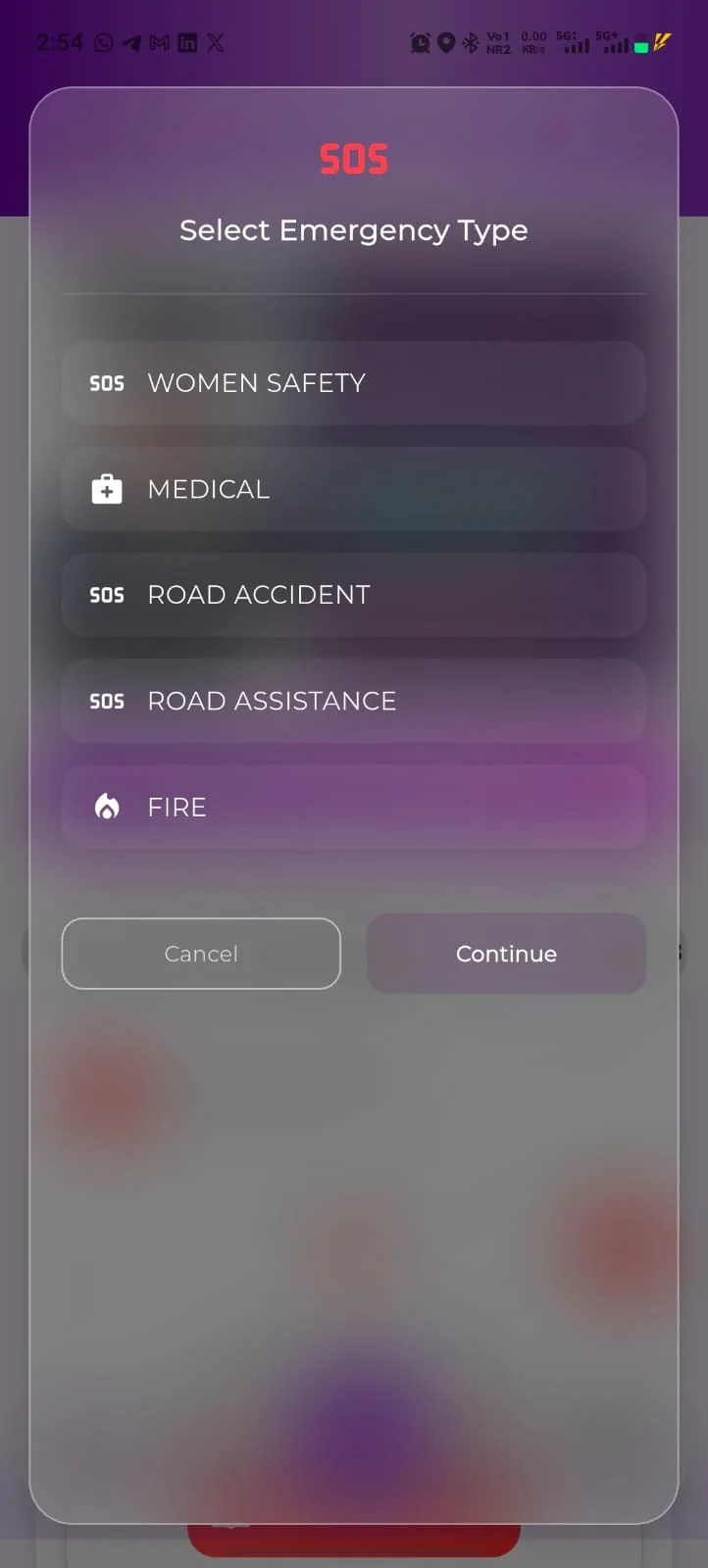
When a registered person cannot communicate, an authorised user looks for a match and reaches next of kin through the permitted workflow.
VerifyU supports identification and communication. It does not replace emergency services, and it can only help where the person is registered and a match is returned.
Six settings.
One registered identity.
Each setting has a different problem and a different workflow. The identity — and the person’s control over it — stays the same.
Hospitals
An unidentified or unconscious arrival — no documents, no phone, nobody to ask.
- Authorised user looks for a match
- Emergency information on screen
- Next of kin called through the app
Family reached sooner, with a record of who was contacted.
Government
Public emergencies where a person cannot be identified and family cannot be traced quickly.
- District registration drive
- Defined access for nominated responder groups
- Reporting scoped at the start
A consented identity layer responders can check before someone is treated as unknown. Owner verification
Schools & colleges
Staff need guardian contacts and medical information for a student who cannot answer for themselves.
- Registration during orientation
- Guardians listed as emergency contacts
- Student volunteers help others register
Identity, guardian contacts and blood group travel with the student — to the ground, the hostel, the field trip. Owner verification
Residential & senior communities
A resident is found unwell or disoriented and the person helping does not know who to call.
- Society registration drive
- Assisted registration for senior residents
- Awareness for residents and the security desk
Neighbours, security staff and family connected through one registered profile instead of a phone tree. Owner verification
Events
Participants separated from their group, or unwell, with nothing on them but a bib number.
- Registration opened before the event
- Briefed volunteers and medical desk
- A named contact for the day
A crowd in which a registered participant can be connected back to family sooner. Owner verification
Workplaces
An employee has an emergency away from the office and the site team has no reliable contact information.
- Registration offered as a safety benefit
- First-aid and security teams as VerifyU users
- Travel-safety briefings
Emergency contacts that travel with the employee rather than with the HR file. Owner verification

Workflows marked Owner verification are proposals to be confirmed with the VerifyU team before they are relied upon.
Three conversations before anything launches.
No deployment starts before scope, roles, availability and success measures are agreed in writing. Tell us the setting and we will tell you honestly if it fits.
- 01
Share the context
The setting, the people involved and the emergencies you are planning for.
- 02
Explore the fit
We walk through registration, permitted access and the workflow — and say where VerifyU does not help.
- 03
Agree the next step
Scope, roles, availability and success measures, in writing, before launch.
Hi VerifyU team,
We are organisation — a hospital / district office / campus / society / event / employer in city or district.
A registration drive would cover roughly number people.
We want to handle the situation better, ideally by date.
Best regards,
name, role, phone
info@beaufortit.com · +91 82990 44462 · Beaufort IT Solutions Pvt. Ltd.
Feature access, permitted workflows and availability depend on the app version, plan, permissions and the terms agreed for your organisation.
Ready to discuss a pilot?
Write to the team with your setting, your city and what you want to achieve.